Photo scanning
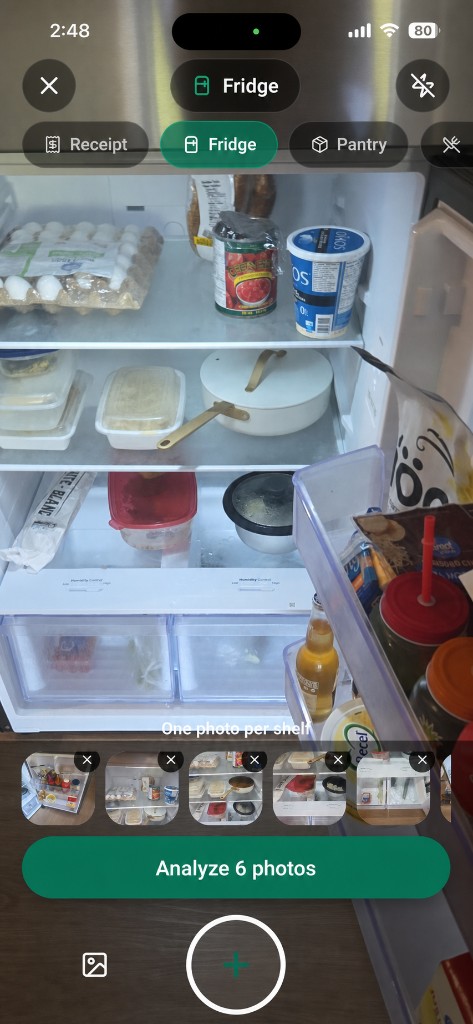
Point at a shelf, receipt, or plate. You get a list of foods with portions you can fix.
Less waste. Better dinners. Faster logging.
Spizra
Photo your fridge, receipt, pantry, or plate. Get your stock, meal ideas, and macros without typing everything in.
What’s inside
Fast meal logging when you need macros, plus pantry tracking and recipes most calorie apps leave out.
Point at a shelf, receipt, or plate. You get a list of foods with portions you can fix.
Fridge, cupboard, and receipt items stay sorted by where they live at home.
Recipes use what you scanned. We don’t invent groceries you don’t have.
Log a meal with a photo or a short description. Edit items, then hit your daily targets.
Scan the receipt after shopping. Items land in inventory so you buy fewer doubles.
Set weight and macro goals during setup. Your plan shows up in daily meals and logging.
Why Spizra
Most apps only track what you ate. We also keep track of what you still have.
Skip typing every item. Scan the shelf or receipt, confirm a few things, and you’re done.
Meal ideas come from the foods in your scan. Less waste, fewer empty-fridge nights.
We pull from branded labels, Canada’s nutrient file, USDA, and Open Food Facts. You can always edit when something looks off.
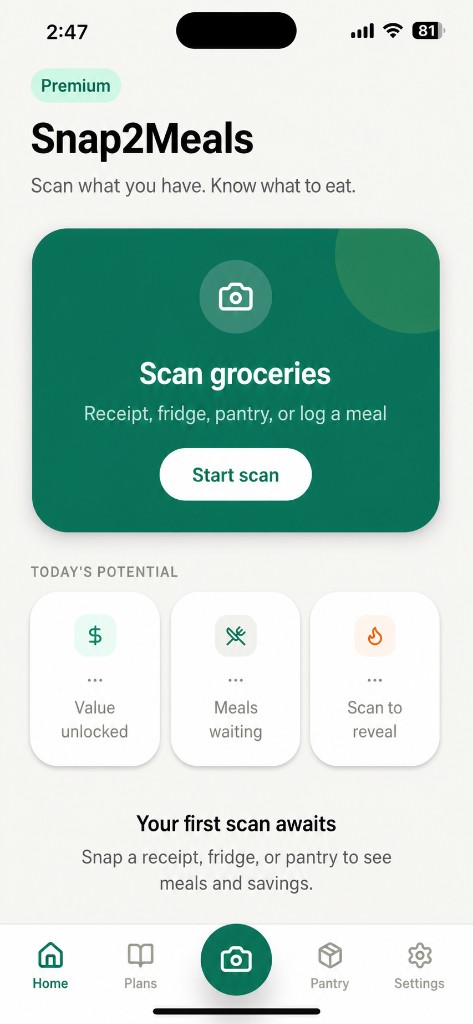
Home
Back from the store, cleaning the fridge, or logging lunch? Pick a mode and keep going.
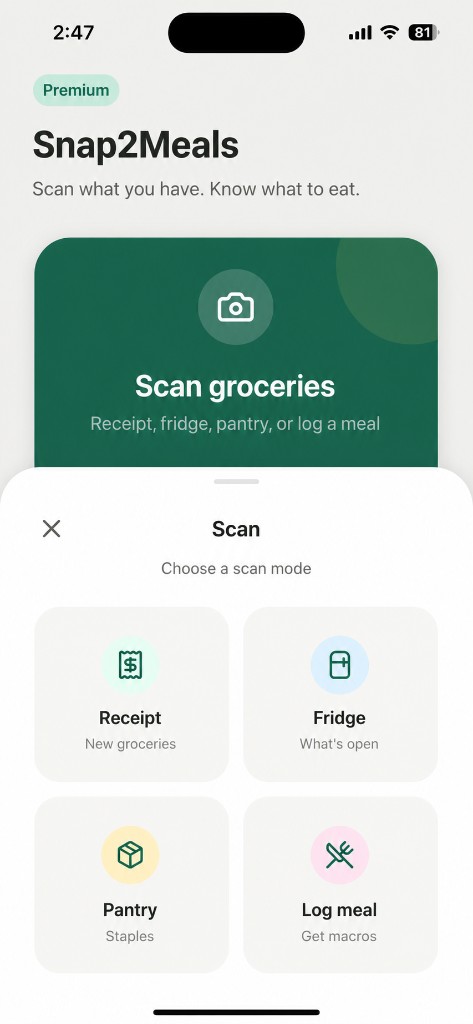
Scan modes
Fridge, pantry, receipt, barcode, or meal. Each mode runs the right flow.
FAQ
Subscriptions, accuracy, and how the app fits into a normal kitchen.
You can log meals and macros, but the main focus is your kitchen. Fridge, pantry, and receipts become inventory and recipes you can cook tonight. Other calorie apps stop at the plate. We start at the shelf.
No scanner is perfect. We match brands and nutrition databases, then let you edit portions, merge duplicates, and name covered containers. Good light and clear labels help. Treat the numbers as estimates, not medical advice.
Open the paywall or Settings and tap Restore purchases. Use the same Apple ID or Google account you subscribed with. New phone? Restore on that device too.
Cancel in your store settings. Deleting the app does not stop billing.
Apple or Google handles refunds depending on where you subscribed. Check your receipt email, then use their refund form. For account help, reach us from the Support page.
Yes. Tap an item to edit the name, brand, quantity, or macros. Delete anything that doesn’t belong. Merge duplicates after a fridge scan with several photos.
Get started
Download Spizra for iPhone or Android. Start with a fridge shelf or tonight’s plate.
By continuing you agree to our Terms and Privacy Policy. Cancel anytime in store settings.